
Keto Kook
The keto week, planned from four parts per meal.
Keto Kook plans your week from components instead of recipes: every hot meal is a protein, a vegetable, a fat and a flavour, in amounts that fit your daily targets. The days you put on the shopping list give you the shopping list and the prep steps, and each day shows what to eat.
What it does
Today
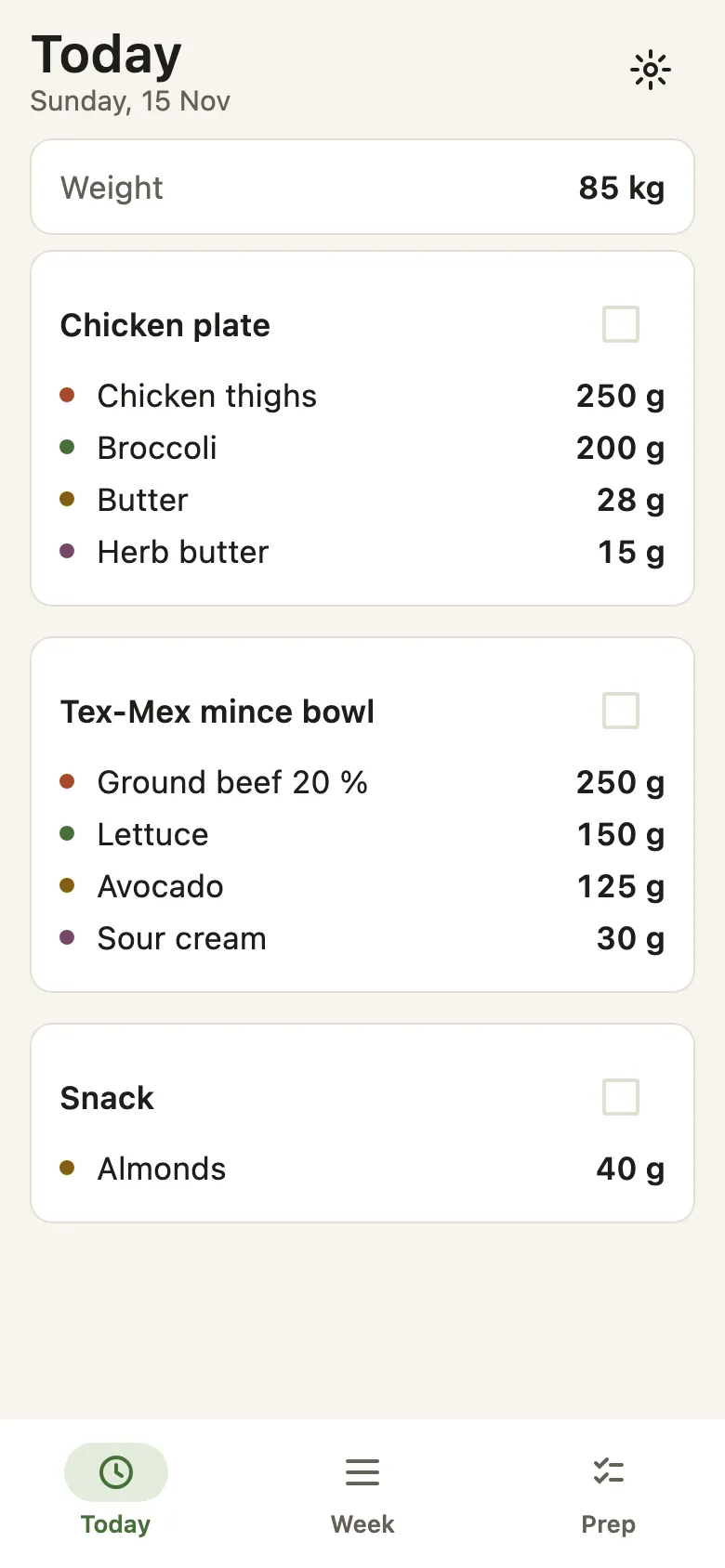
Today's meals with every food and its amount in grams. Tick off what you have eaten.
A week in slots
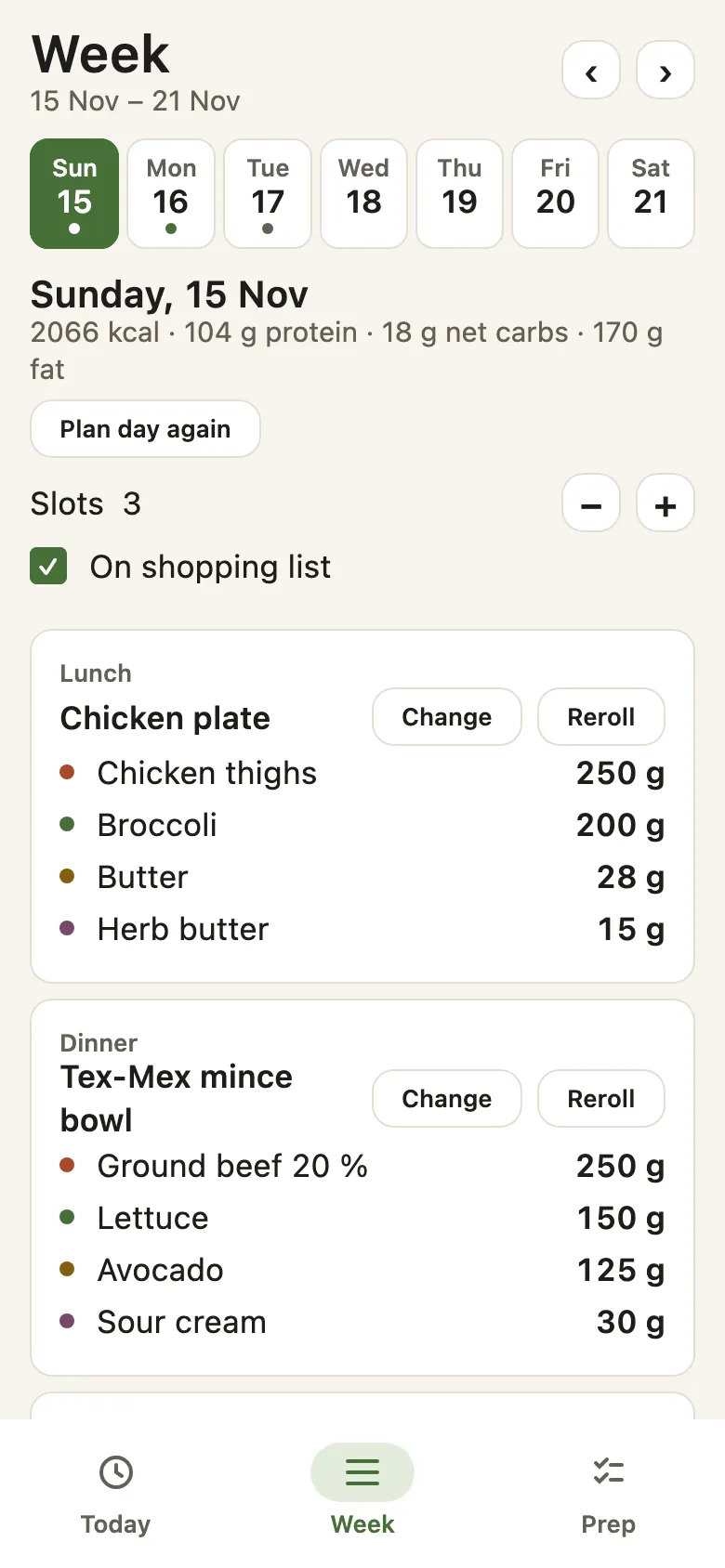
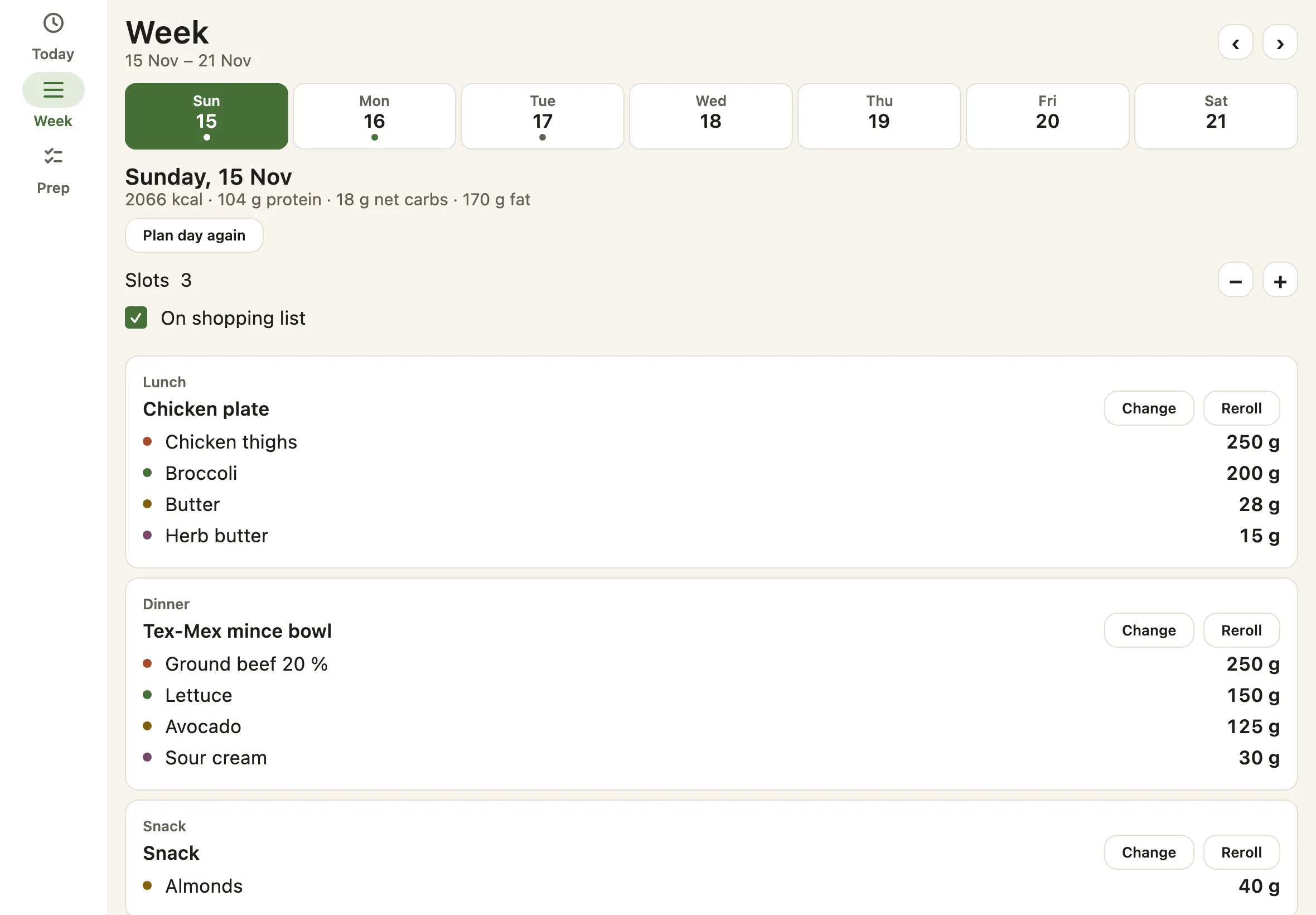
Pick a day, fill its slots, and change or reroll any meal. Meals you already planned on other days come first, so cooking once covers two days. Add a slot and the day's amounts are shared out again.
Shopping and prep
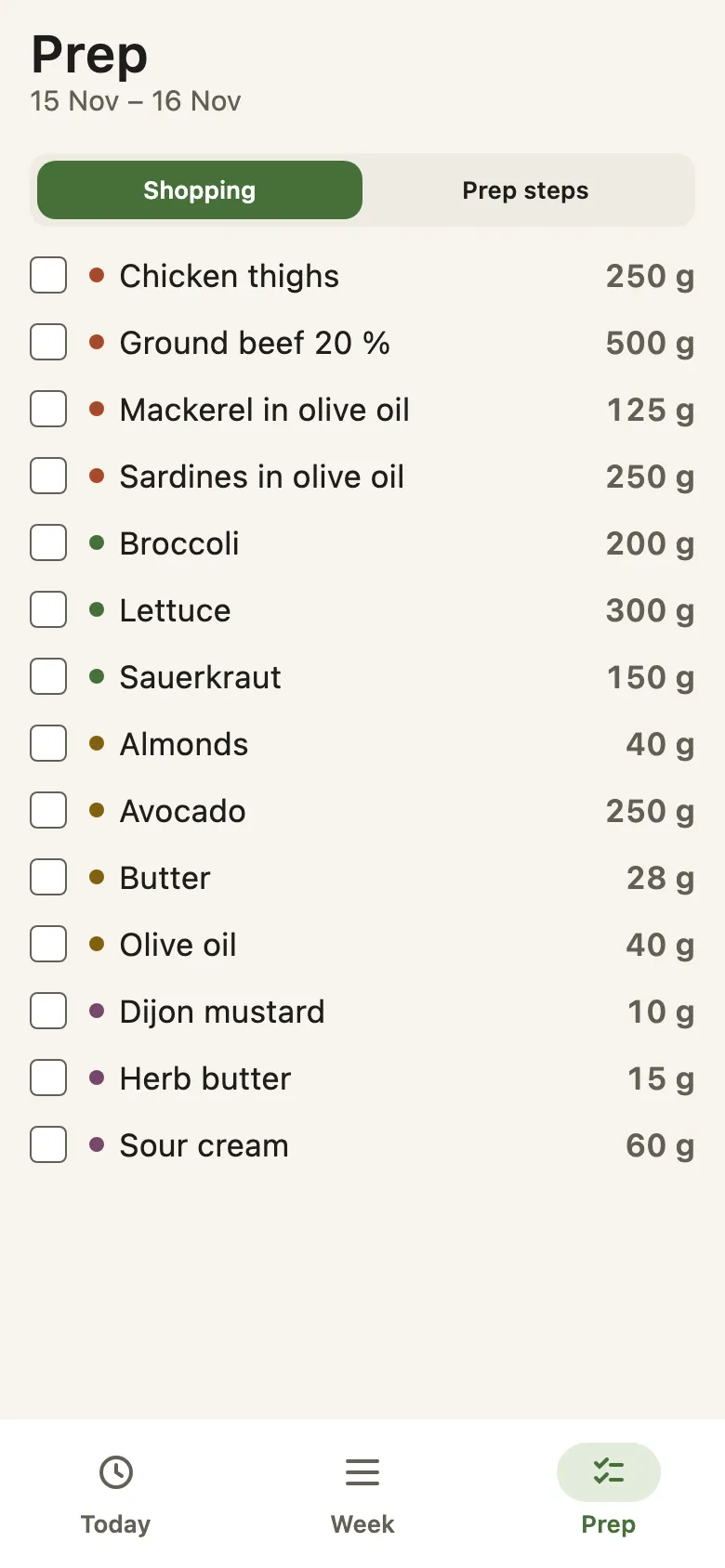
Put days on the shopping list and Keto Kook adds up what to buy and which steps to prepare the day before.
Targets from your body
Height and weight from Apple Health or Health Connect, or entered by hand, and your goal give the daily targets for energy, protein, net carbs and fat. Your weight and its chart are one tap away.
Your own meals
Combine your own meals from the foods in the catalogue and leave out the foods you don't eat.
Screenshots
Frequently asked questions
- Is Keto Kook medical advice?
- No. Keto Kook helps you plan meals and works out amounts from the targets it calculates. If you have a medical condition, are pregnant or take medication, talk to your doctor before changing how you eat.
- What does Keto Kook read from Apple Health or Health Connect?
- Only your height and weight, and only if you allow it. Weights you enter in Keto Kook are saved back there. Nothing from Health leaves your device.
- Where is my plan stored?
- On your device. Keto Kook has no account and does not sync between devices.
- How do I restore my subscription on another device?
- Sign in with the same Apple Account or Google account and tap “Restore purchases” on the subscription screen. You cancel the subscription in your Apple Account or Google Play settings.
Legal
- Supportramuslabs.com/keto-kook/support/
- Privacy policyramuslabs.com/keto-kook/privacy/
- Terms of useramuslabs.com/keto-kook/terms/