
Bento Lists
Keep your checklists once, pack exactly what the next Event needs.
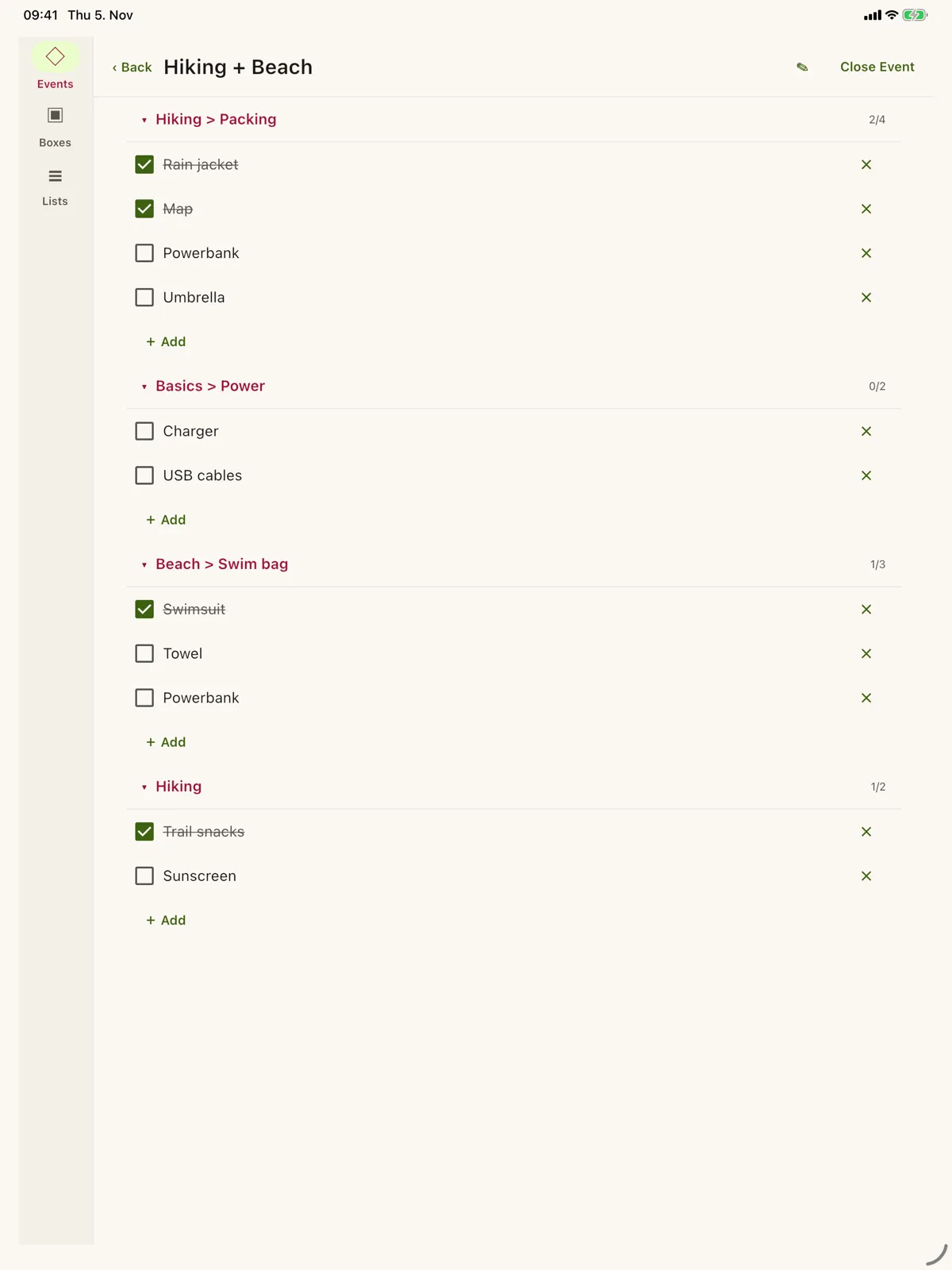
Keep reusable checklists in folders, combine Lists from different areas into Boxes, like hiking with a day at the beach, and create an Event for the actual trip that you simply check off. Your Lists stay live: change one and every open Event that uses it changes too. No account and no ads; your lists stay on your device and, on Apple devices, in your own iCloud.
What it does
- 01
Lists in folders
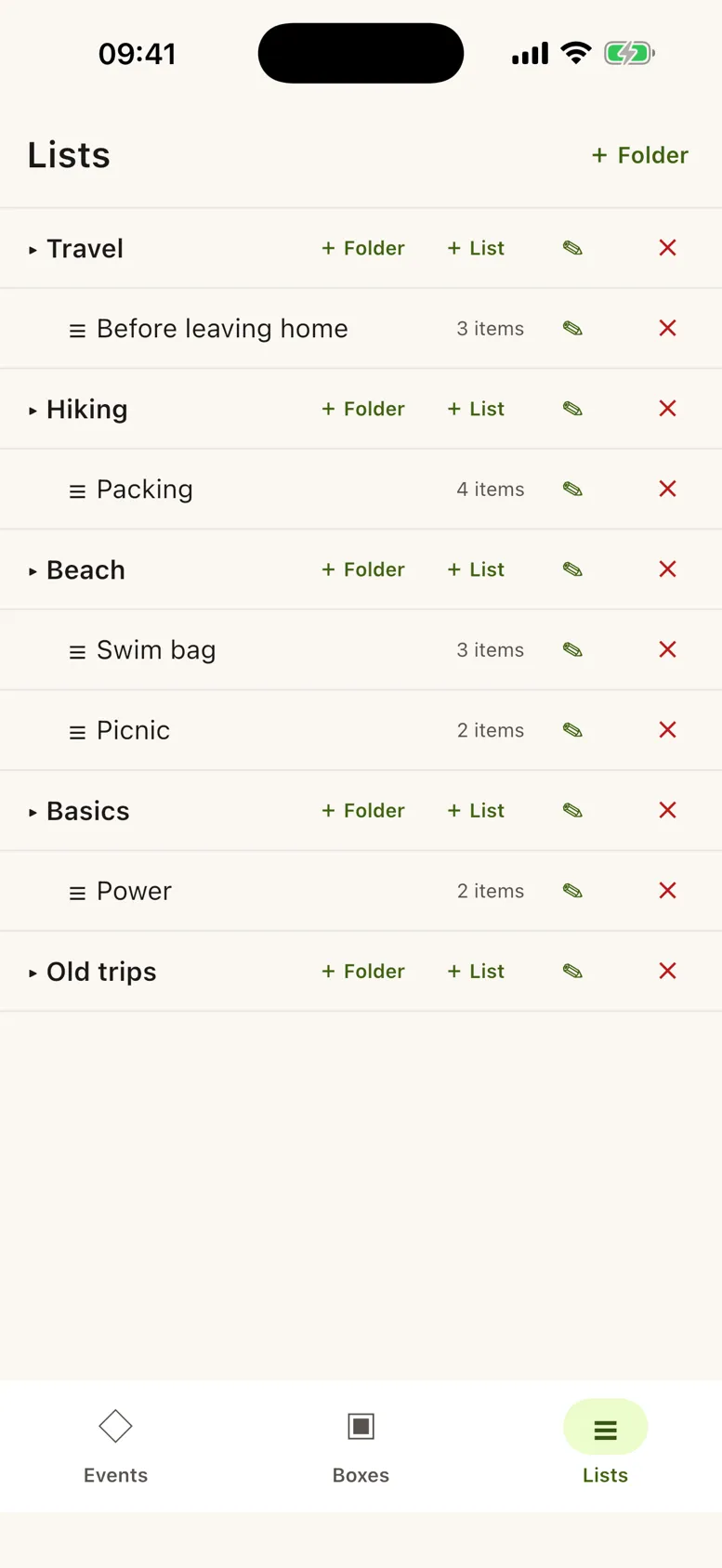
Keep every checklist once, sorted in folders: Hiking > Packing, Beach > Swim bag, Travel > Before leaving home.
- 02
Boxes combine your Lists
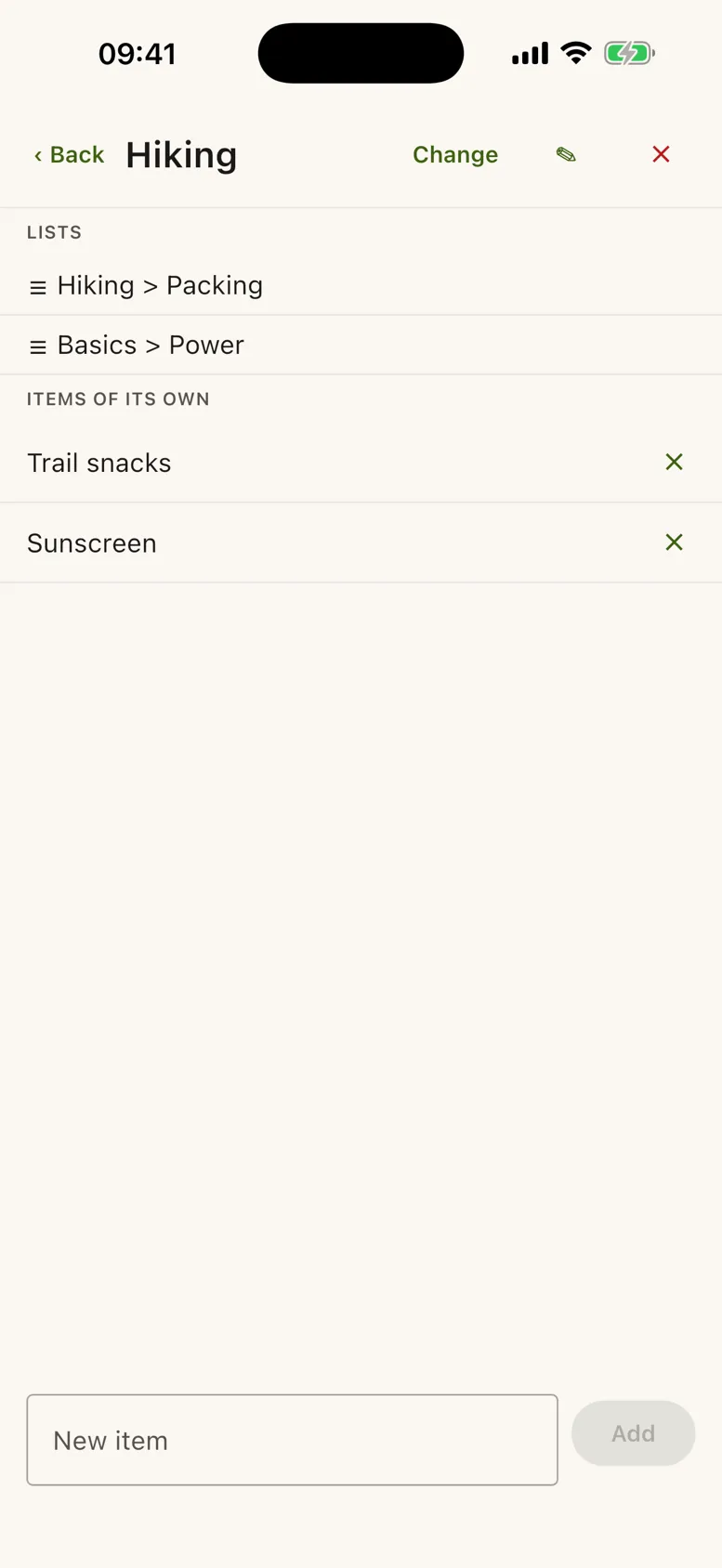
A Box brings together single Lists or whole folders from different areas. Similar Events use the same Boxes.
- 03
An Event to check off
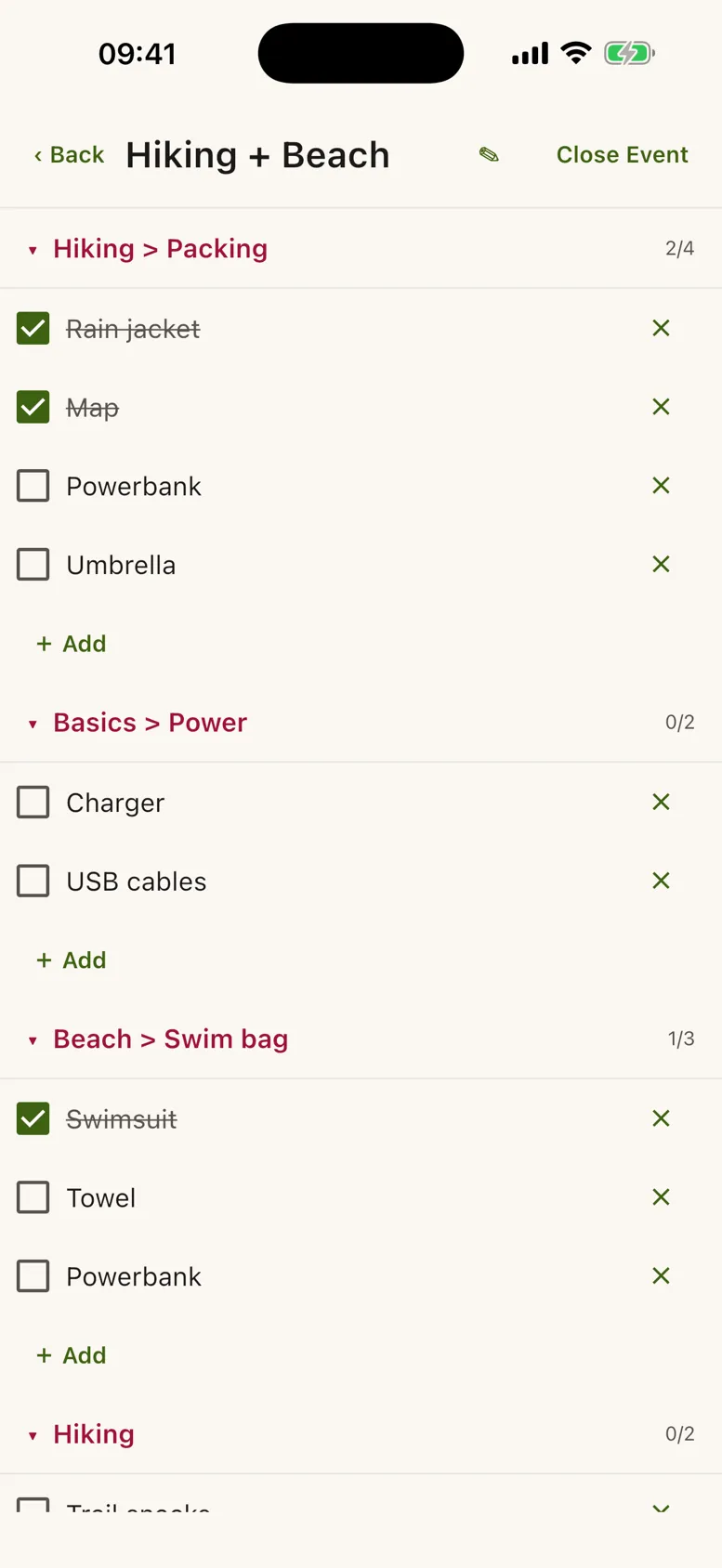
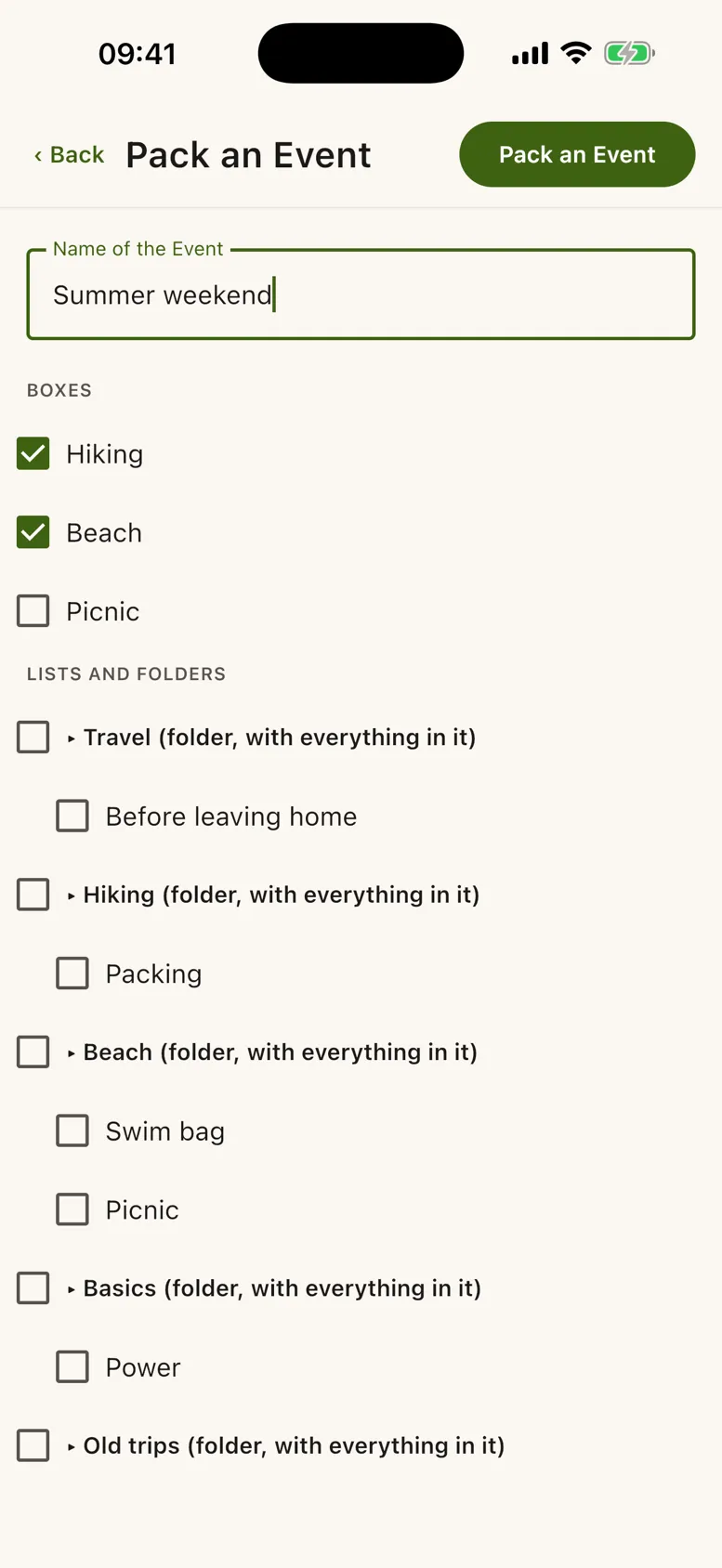
Create an Event from your Boxes for the actual occasion. Each List gets its own section, so you know where an item comes from. Add what is missing, drop what you don't need, and decide whether your List learns the change.
- 04
Your AI agent can help
A local MCP server lets the AI agent of your choice read and change your Lists, Boxes and Events on your computer.
Screenshots
Frequently asked questions
- QWhat is free?
- AUnlimited lists and folders, and one open Event at a time. To keep more open at once, there is a subscription for €0.99 a month.
- QDo I need an account?
- ANo. Bento Lists has no sign-in. On iPhone, iPad and Mac your lists sync through your own iCloud.
Legal
- Supportramuslabs.com/bento-lists/support/
- Privacy policyramuslabs.com/bento-lists/privacy/
- Terms of useramuslabs.com/bento-lists/terms/